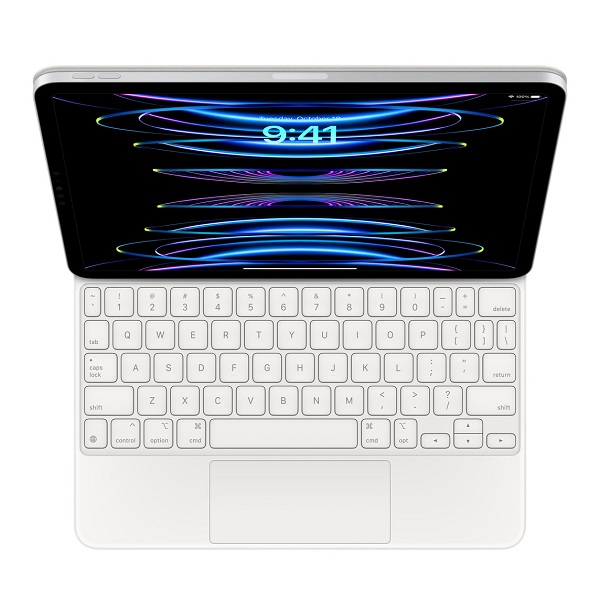

The iPad has transformed the way artists and designers create their innovative designs and ideas, offering a versatile platform for digital creativity. With its high-resolution display, responsive Apple Pencil, and powerful hardware, iPad users in Pakistan now have the tools to produce professional-quality artwork anywhere. Choosing the right drawing apps is essential for maximizing the iPad’s potential and getting the best out of your work. These apps enhance creativity, streamline workflows, and provide features that traditional drawing tools cannot offer.
Procreate: Professional-Grade Digital Art
Procreate is widely regarded as one of the best drawing apps for iPad users due to its extensive features and intuitive interface. It offers:
- Over 200 customizable brushes
- Advanced layer system with blending modes
- High-resolution canvas options
Artists in Pakistan prefer Procreate for its versatility in creating sketches, illustrations, and detailed paintings. The app’s seamless integration with Apple Pencil ensures precise strokes that make it ideal for professional and hobbyist artists alike.
Adobe Fresco: Perfect for Vector and Raster Art
Adobe Fresco combines vector and raster tools in a single app, making it highly versatile. Key features include:
- Realistic brushes that mimic traditional media
- Integration with Adobe Creative Cloud
- Live brushes that blend and smear naturally
For iPad users who work across different design platforms, Adobe Fresco offers a professional solution to create both detailed illustrations and scalable vector graphics. It ensures smooth workflow and compatibility with other Adobe tools like Photoshop and Illustrator.
Autodesk SketchBook
Autodesk SketchBook provides a robust platform for sketching and conceptual art. Its simplicity and professional-grade tools make it a favorite among students and emerging artists. It offers many notable features such as an extensive brush library, customizable interface, layer support and blending modes. SketchBook is accessible and beginner-friendly, making it perfect for iPad users who are exploring digital drawing without investing in premium apps. Its free version provides significant functionality while maintaining high-quality output.
Affinity Designer: Ideal for Graphic Designers
Affinity Designer is a top choice for professional graphic designers who need precision and scalability. It offers Vector and raster editing tools, Comprehensive typography controls and Support for high-resolution exports. iPad users who focus on branding, logo design, or digital illustration can rely on Affinity Designer for detailed and accurate artwork. Its professional features rival desktop software, allowing artists to work efficiently on the go.
Clip Studio Paint: Best for Comic and Manga Artists
Clip Studio Paint is best suited for artists who specialize in comics, manga, and illustration. Its strong points include:
- Advanced pen pressure recognition
- Comic panel creation tools
- Extensive asset library
For people who are interested in storytelling through visual art, Clip Studio Paint provides the tools to create professional comics and illustrations. Its features streamline workflow and enhance creative output. It is important that you use genuine Apple iPad and accessories to efficiently use all the best drawing apps on your Apple device.
Conclusion:
Selecting the best drawing app for iPad depends on your artistic goals, experience level, and workflow requirements. Procreate offers versatility for professional and hobbyist artists, Adobe Fresco integrates seamlessly with Creative Cloud, Autodesk SketchBook is ideal for beginners, Affinity Designer serves graphic designers, and Clip Studio Paint caters to comic and manga creators. By choosing the right app, iPad users can elevate their digital art, enhance productivity, and unlock limitless creative possibilities.